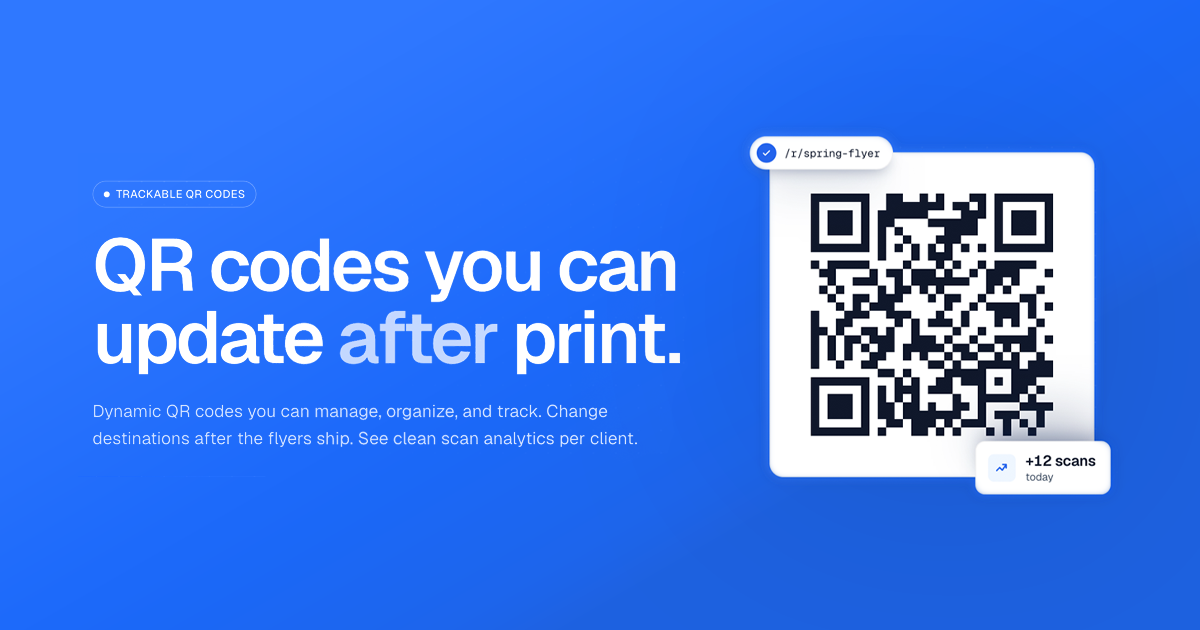
QR codes used to be a one-shot decision: print once, hope the link stays correct, and then cross your fingers for decent engagement. With Scankit, that workflow changes. The Scankit platform lets you create dynamic QR codes you can update after print, while also tracking scans with GDPR-compliant analytics—so campaigns stay flexible and measurable, even when plans shift.
Update destinations after the flyer is already out
Scankit’s core benefit is simple: your printed QR code can point to a destination that you edit later. Instead of re-exporting files and reprinting labels, teams can adjust the landing page URL in the Scankit dashboard and save the change. From that moment onward, every new scan goes to the updated destination—without the printed code needing any new artwork.
This is especially useful for agencies managing multiple clients and frequent campaign updates. A client might change their promotion page, redirect traffic, or swap campaign URLs at the last minute, and Scankit helps you adapt without adding reprint costs or delays.
Get scan analytics built for real decision-making
Tracking is often where QR projects fall apart: dashboards are unclear, metrics are unreliable, or compliance becomes a headache. Scankit focuses on practical scan analytics designed to be GDPR-compliant by design. You can see total scans, understand scan trends over set windows, and review breakdowns by country and device so you can interpret performance accurately.
For reporting, Scankit also supports CSV exports on higher plans, making it easier to compile client decks or share results across teams. The goal is to provide usable insights—without chasing vanity metrics or storing unnecessary personal data.
Maintain a full history of every destination change
Dynamic QR should not mean “dynamic confusion.” Scankit keeps a full history of what each QR code has pointed to over time. When you edit destinations, the platform preserves that timeline, so you can connect scans to the correct landing page version.
This matters for attribution, creative review, and client transparency. Instead of wondering where traffic went “at some point,” you can see how the destination evolved and how scans accumulated across edits.
Organize QR codes at scale with groups and tags
As soon as you manage more than a handful of QR codes, organization becomes essential. Scankit helps you manage codes using groups and tags—whether you’re organizing by campaign, client, quarter, or any other tracking method that fits your workflow. Filtering by group, tag, or both helps keep the system usable as your library grows.
That means less time hunting for the right code and more time shipping the campaign—while still staying ready to adjust destinations whenever needed.
For agencies, freelancers, and in-house teams, Scankit turns QR codes into a trackable, editable channel that can flex with real-world changes—see how it works at https://scankit.app/en.
Conclusion
Scankit delivers the best of both worlds: dynamic QR codes you can update after print, plus scan analytics that help you measure performance with GDPR-compliant reporting. If your campaigns shift often—or you manage multiple clients—Scankit makes QR codes easier to control, easier to report on, and easier to optimize over time. Start with a free tier and build your next QR campaign the smart way—without reprinting every time the URL changes.