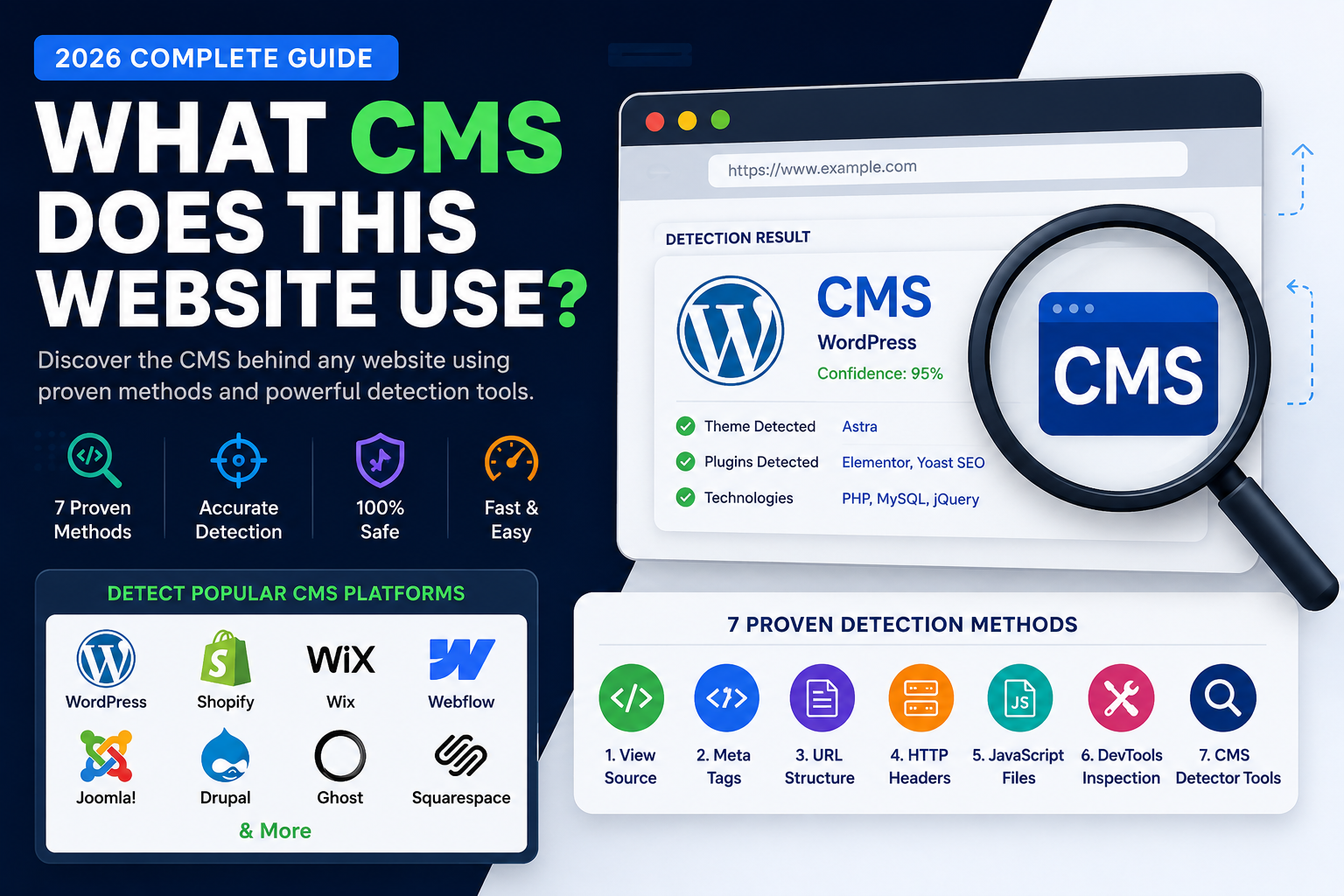
Finding out how a website is built can save time, inform your design choices, and help you troubleshoot faster. That’s exactly what Owlknowsbest delivers with its Theme Detector—a tool that identifies WordPress, Shopify, Webflow, Wix, Drupal, Joomla, and Squarespace websites instantly.
If you’ve ever wondered “What theme is this site using?” or “What platform powers it?”, Owlknowsbest makes the process straightforward and quick. Enter a URL, let the engine scan, and get detailed results without any registration.
Instant theme and platform detection from one tool
Owlknowsbest’s Theme Detector is built for speed. It scans a website’s source signals—like HTML, CSS, JavaScript, and meta tags—to determine the underlying content management system and the specific theme name in use. Whether you’re evaluating a WordPress layout or checking a Shopify storefront, the goal is the same: reduce guesswork and get clear answers.
One of the biggest benefits is that you can move directly from curiosity to confirmation. Instead of searching through scripts or inspecting templates manually, you can run a quick scan and see what the site is actually running.
See theme author and version details, not just a guess
Many detectors stop at “this is WordPress” or “that’s the theme name.” Owlknowsbest goes further by showing theme and platform-related information such as the theme author and the theme version. That helps when you’re trying to match a specific look, confirm whether a theme is updated, or understand who built what you’re seeing.
Version detection is especially useful for planning updates and avoiding outdated components. It also helps developers and designers quickly identify whether a theme has newer releases.
Cloudflare-aware scanning for real-world websites
Modern sites often use CDNs and protective layers, including Cloudflare. Owlknowsbest’s Theme Detector is designed to stay effective even when those protections are in place, which means you’re more likely to get results from the websites you actually encounter day to day.
That reliability matters because theme detection isn’t helpful if it fails silently. The scanning experience is designed to be dependable, so you can trust the output for your next step.
How to use Theme Detector in minutes
The workflow is simple. Paste the full website address (including https://) into Theme Detector, let the analyzer run, and review the generated platform and theme findings. In many cases, you’ll get results quickly after the scan completes.
To try it yourself, visit the Theme Detector page on Owlknowsbest and start by entering the URL you want to investigate.
Conclusion
Owlknowsbest’s Theme Detector is a fast, practical way to identify what powers a website and what theme it’s using, with added value like author and version detection. If you want answers without tedious manual work, Theme Detector is a solid place to start—so go ahead and scan your next target site.